
Using Search By Location (Work Offers)
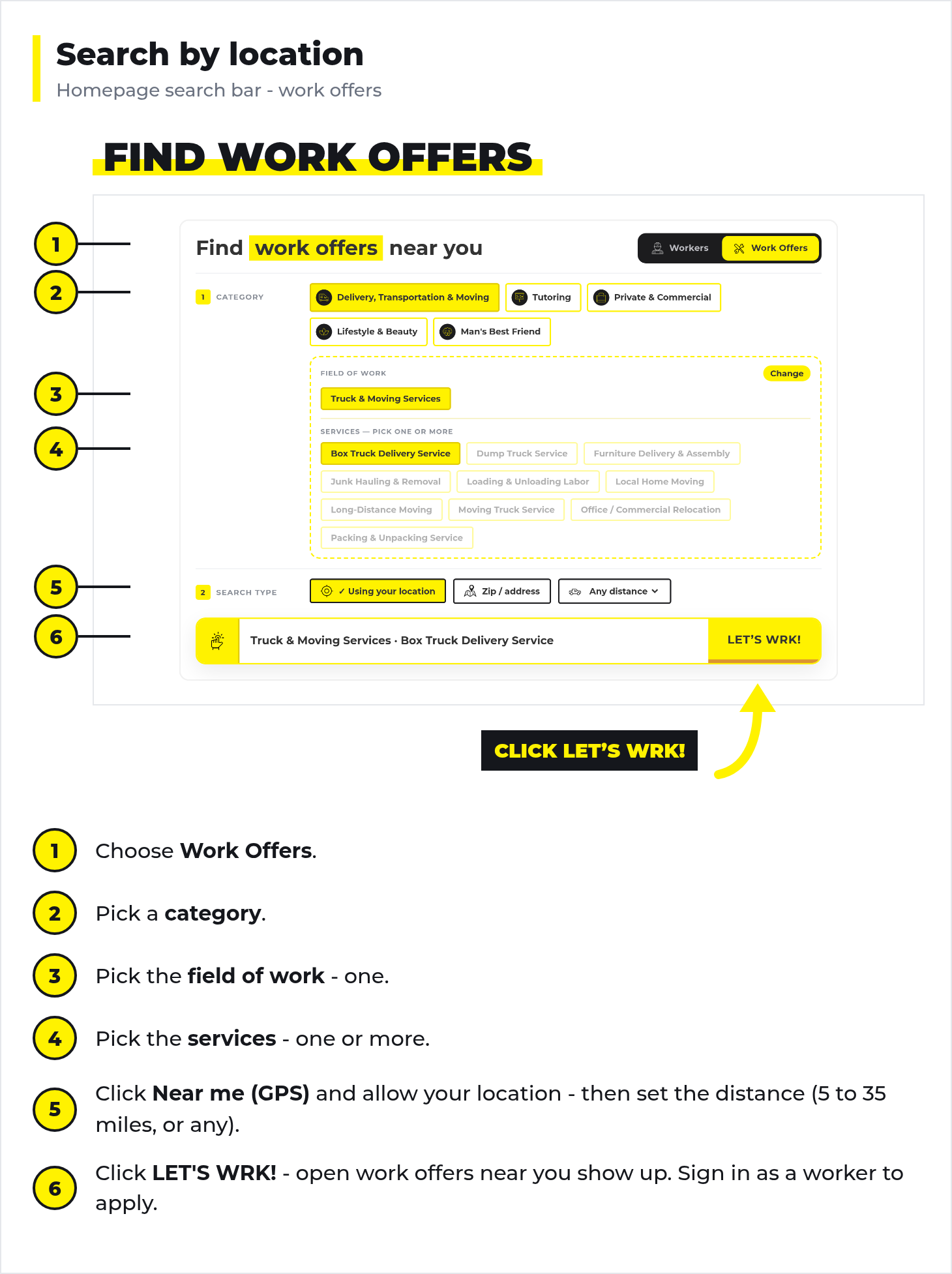
Your own personal radar for work near you. Switch the homepage search bar to Work Offers, use Near me (GPS) and let WRK find your location, set how far you're willing to travel, pick the field and services and hit Let's WRK! - open work offers around you show up.
Was this article helpful?
0 of 0 found this helpful