
Notifications
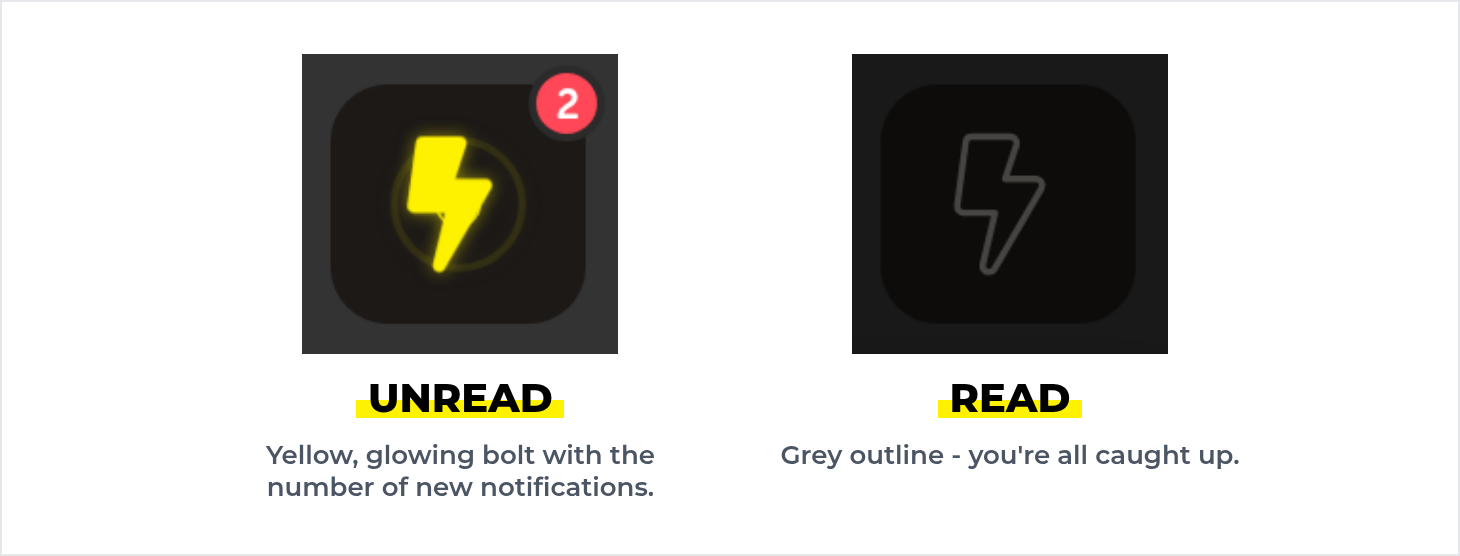
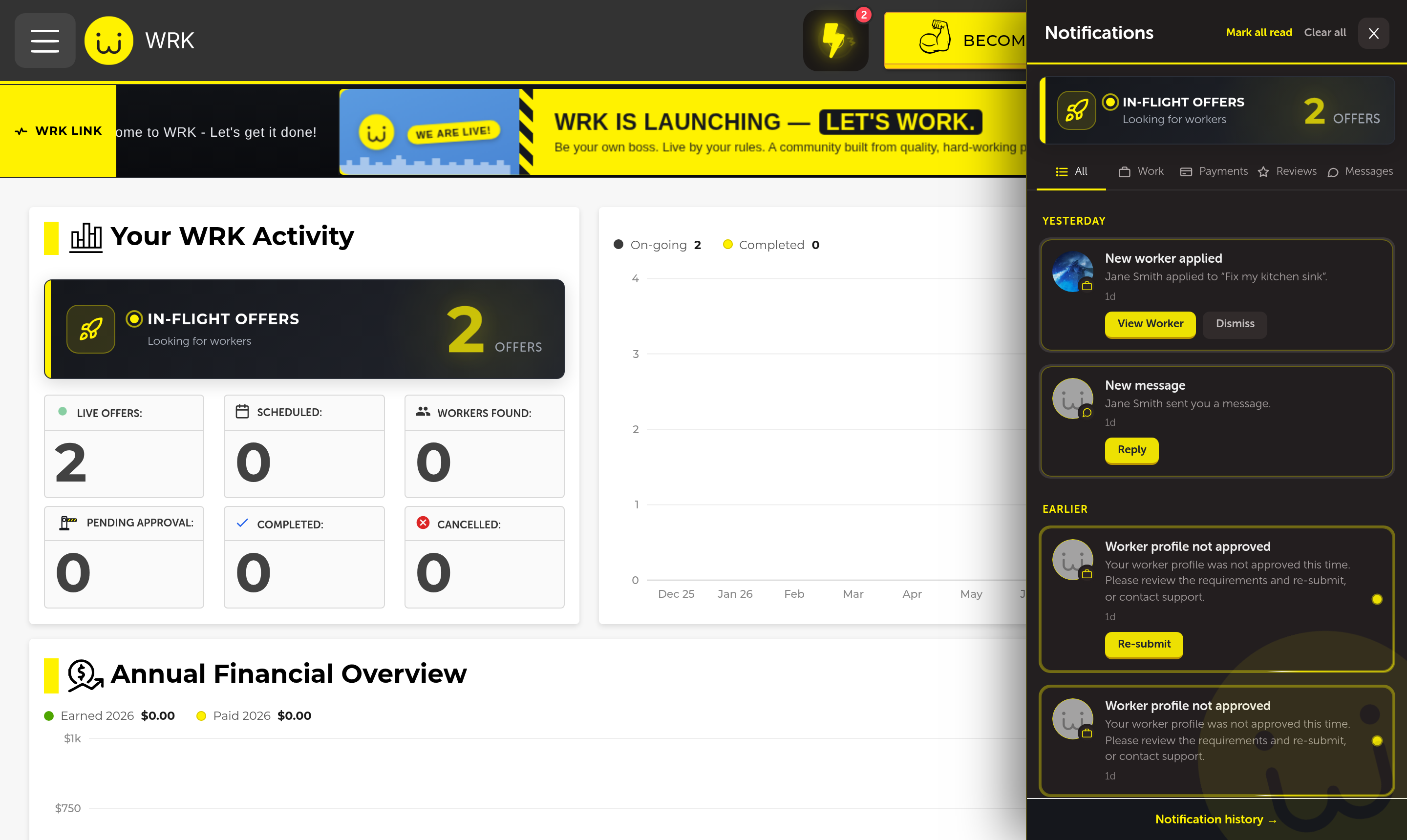
The bolt at the top of every page is your notification center. It lights up yellow when something new happens on your work: a worker applied, you were selected, funds were deposited, a partial payment was sent, work was marked done, a message or a rating arrived. Click it to see the list and open each item. In Account settings you choose whether notifications open as a panel, a drawer or a pop-over. SMS and email alerts keep working separately.
Unread and read
Click the bolt - your notifications slide in on the right
Was this article helpful?
0 of 0 found this helpful