
Time zones
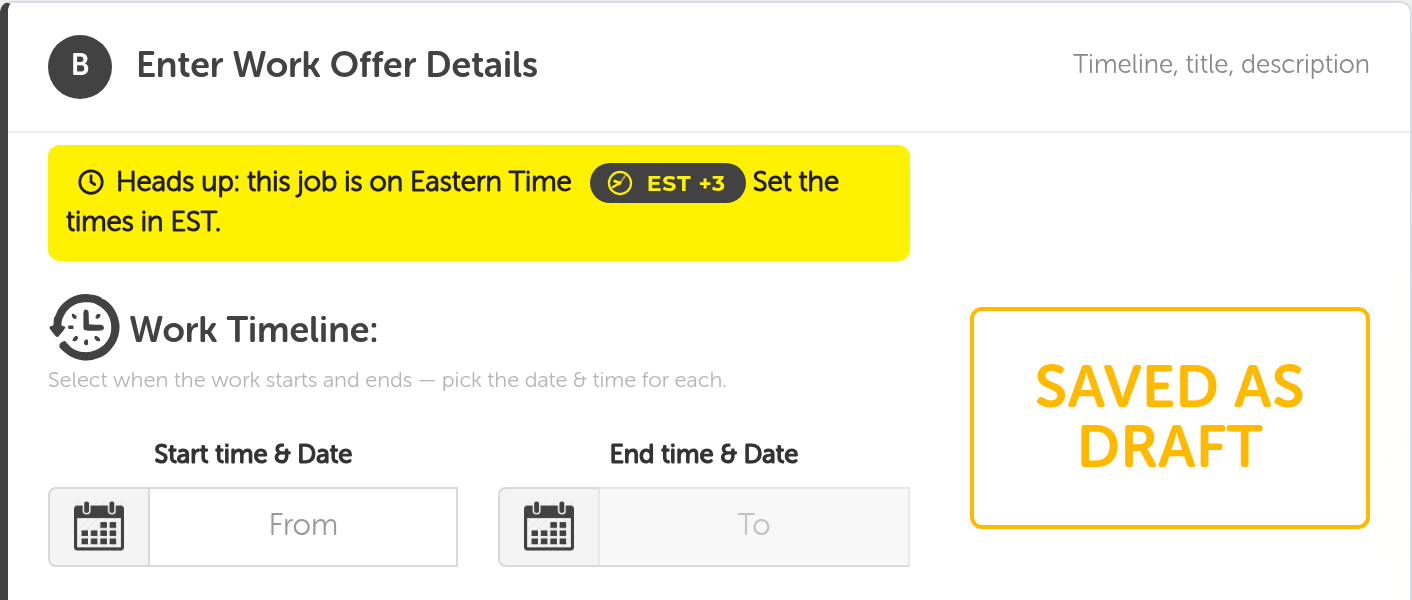
WRK shows every time in your own time zone, taken from your device. A work offer's start time is set in the time zone of the job's location, so when you're in another zone WRK converts it for you. On a work offer, the start and end times carry a time zone badge (for example PST or EST), so you always know which zone the job runs in. You can post work offers anywhere WRK is open; where it isn't open yet, WRK tells you the service isn't available in that area. If a time looks wrong, check the time zone on your device - WRK follows it automatically.
POST WRK step 2 - the job is in another time zone
Was this article helpful?
0 of 0 found this helpful