
Two-step login (2FA)
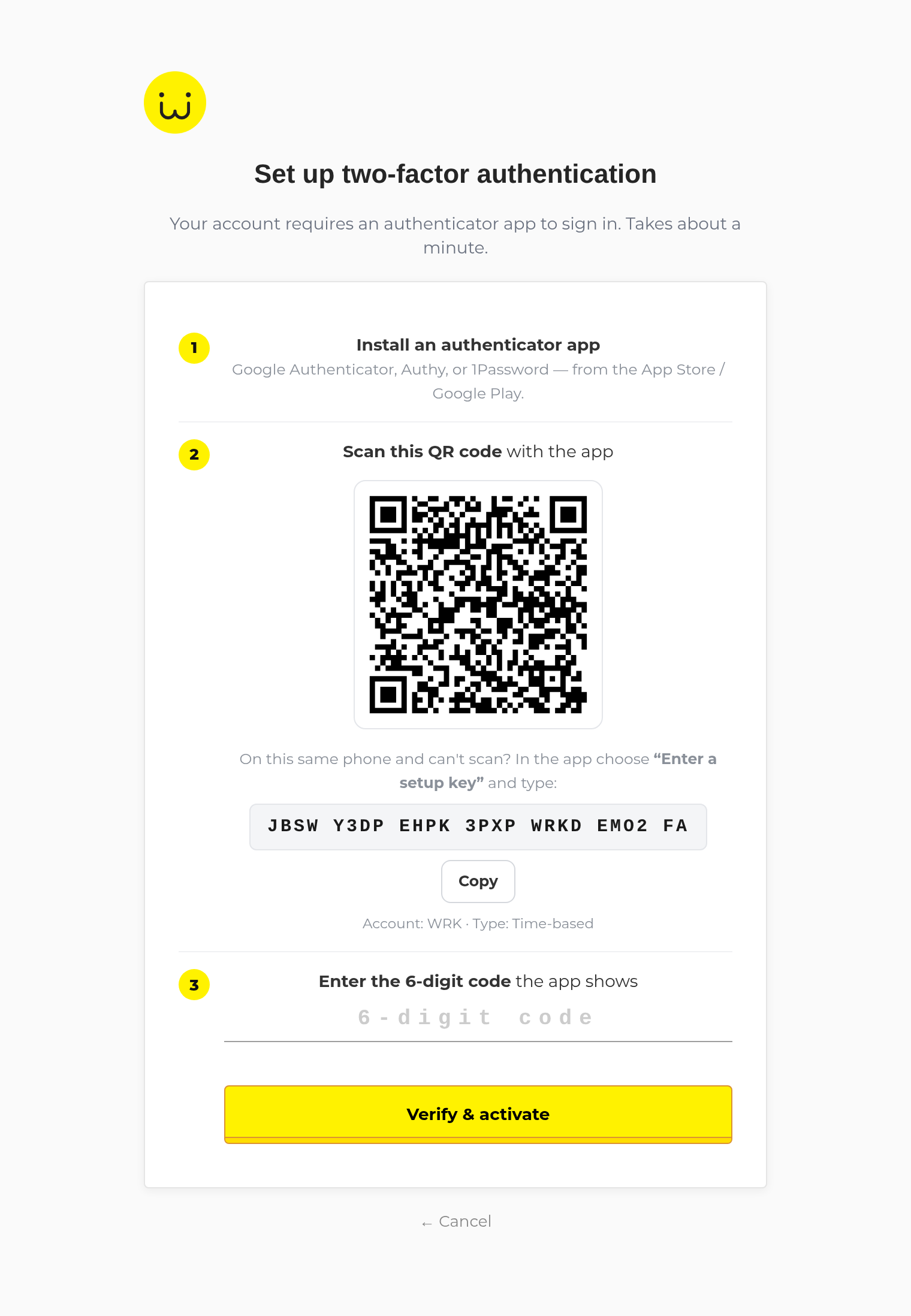
WRK protects every login with a second step. The first time you log in, scan the QR code with the Google Authenticator app to pair your phone. From then on, after your email and password, enter the 6-digit code the app shows. Keep the app on your phone - if you change phones or lose access, open a support ticket and WRK will help you pair again.
Set up two-step login - scan the QR code
Was this article helpful?
0 of 0 found this helpful